
Download Audio Beats – Free Music Player, Desktop Audio Utility, Customizable Music App
Overview
Audio Beats is a desktop music player application designed for users who seek a lightweight, customizable, and feature-rich listening experience. Built for modern desktop environments, the software enables playback of a wide range of audio formats, supporting most major file types commonly used in music libraries. The application is ideal for casual listeners, audiophiles, and users who value personalization in their daily software tools. Developed by Apps10X, the software maintains the same core philosophy as its Android counterpart—offering a free, secure, and user-friendly solution without intrusive ads or data collection.
Target users include individuals managing large music collections, content creators needing a reliable background player, and anyone who prefers a clean, customizable interface. The software is suitable for both personal and professional use, especially in environments where audio playback must be efficient and distraction-free. Real-world usage scenarios include background music during work or study, organizing playlists for events, or enjoying high-quality audio without system strain. The developer’s commitment to regular updates ensures ongoing support and feature enhancements, contributing to long-term usability.
Key Features & Capabilities
- Wide Format Support – Plays music in nearly all common audio formats, ensuring compatibility with diverse file types including MP3, WAV, FLAC, AAC, and OGG.
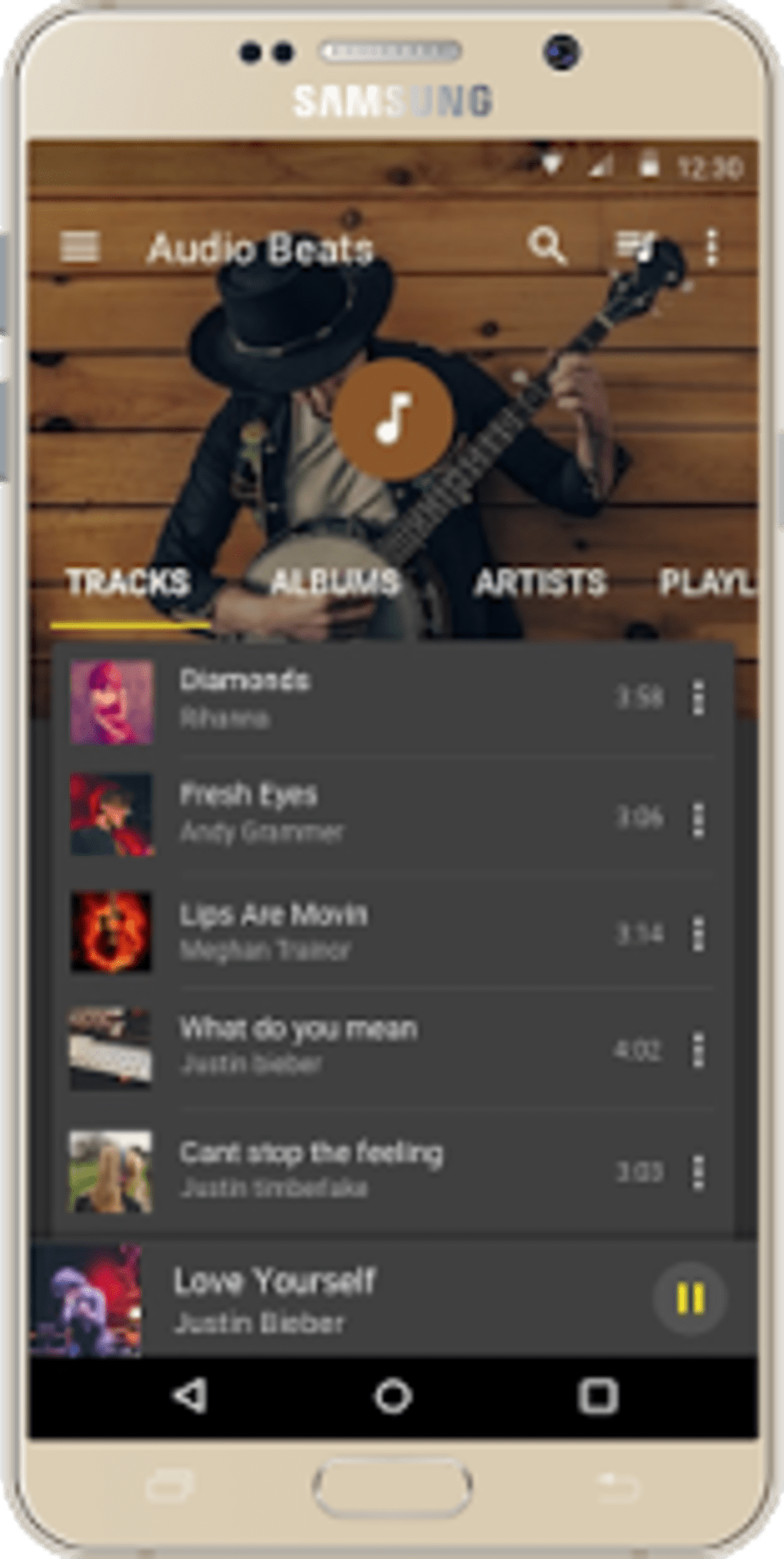
- Customizable Interface – Users can personalize the app’s appearance with adjustable backgrounds, themes, color schemes, and widget layouts.
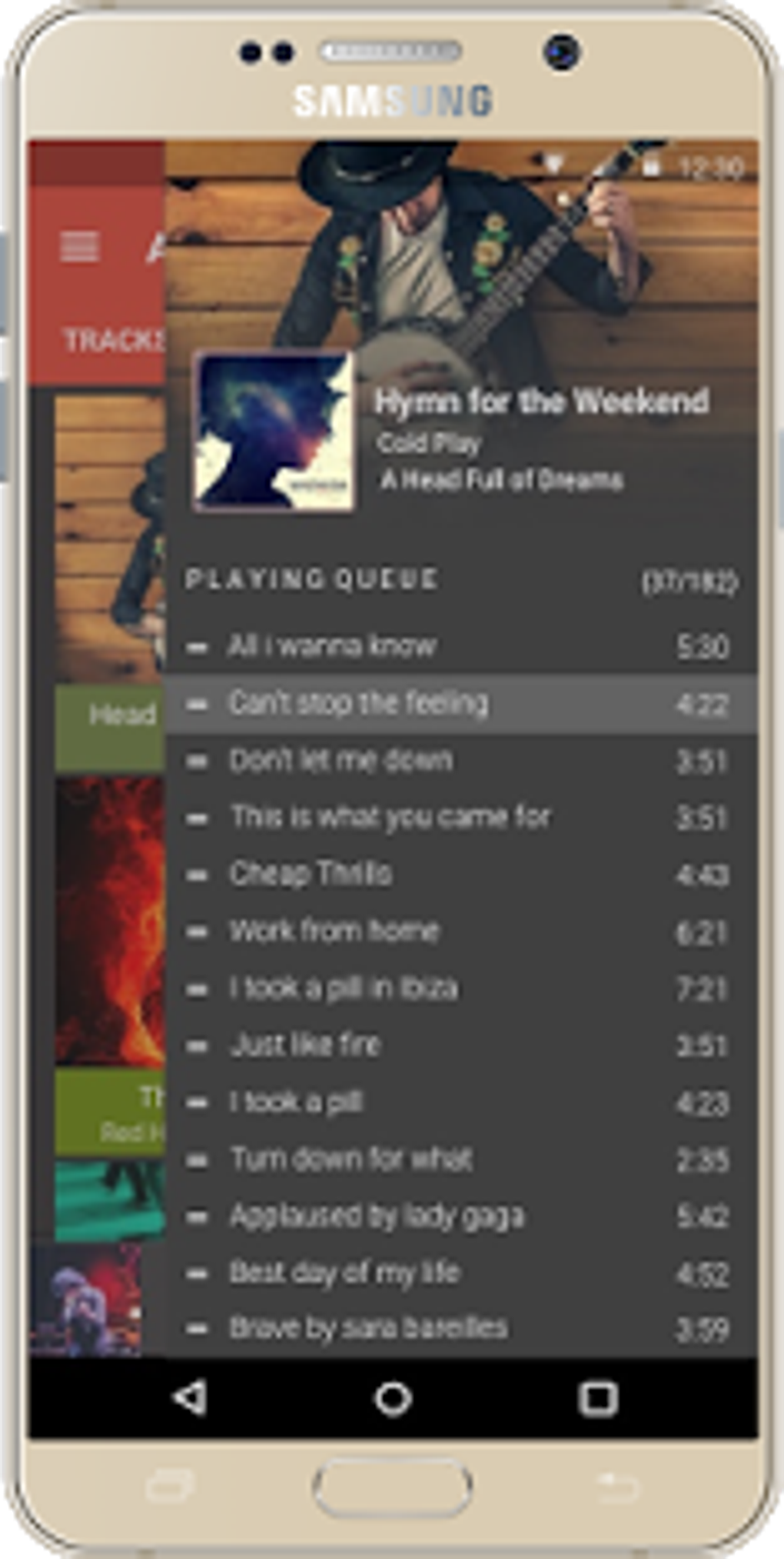
- Playlist Management – Offers intuitive tools to reorder songs in the queue, create custom playlists, and manage large music libraries efficiently.
- Visual Personalization – Allows integration of personal images into the app’s visual design, enhancing the user’s connection to their music.
- Smooth Crossfade Functionality – Enables seamless transitions between tracks, ideal for continuous listening or ambient audio setups.
- Lightweight Performance – Engineered to use minimal system resources, making it suitable for older or low-spec machines.
- Privacy-First Design – Does not collect or transmit user data, ensuring a secure and private listening experience.
These features cater to users who want control over their audio environment. For example, a student might use the crossfade and visual customization options to create a calming study playlist, while a content creator may leverage the lightweight design to run multiple applications simultaneously without performance drops.
User Interface, Workflow & Performance
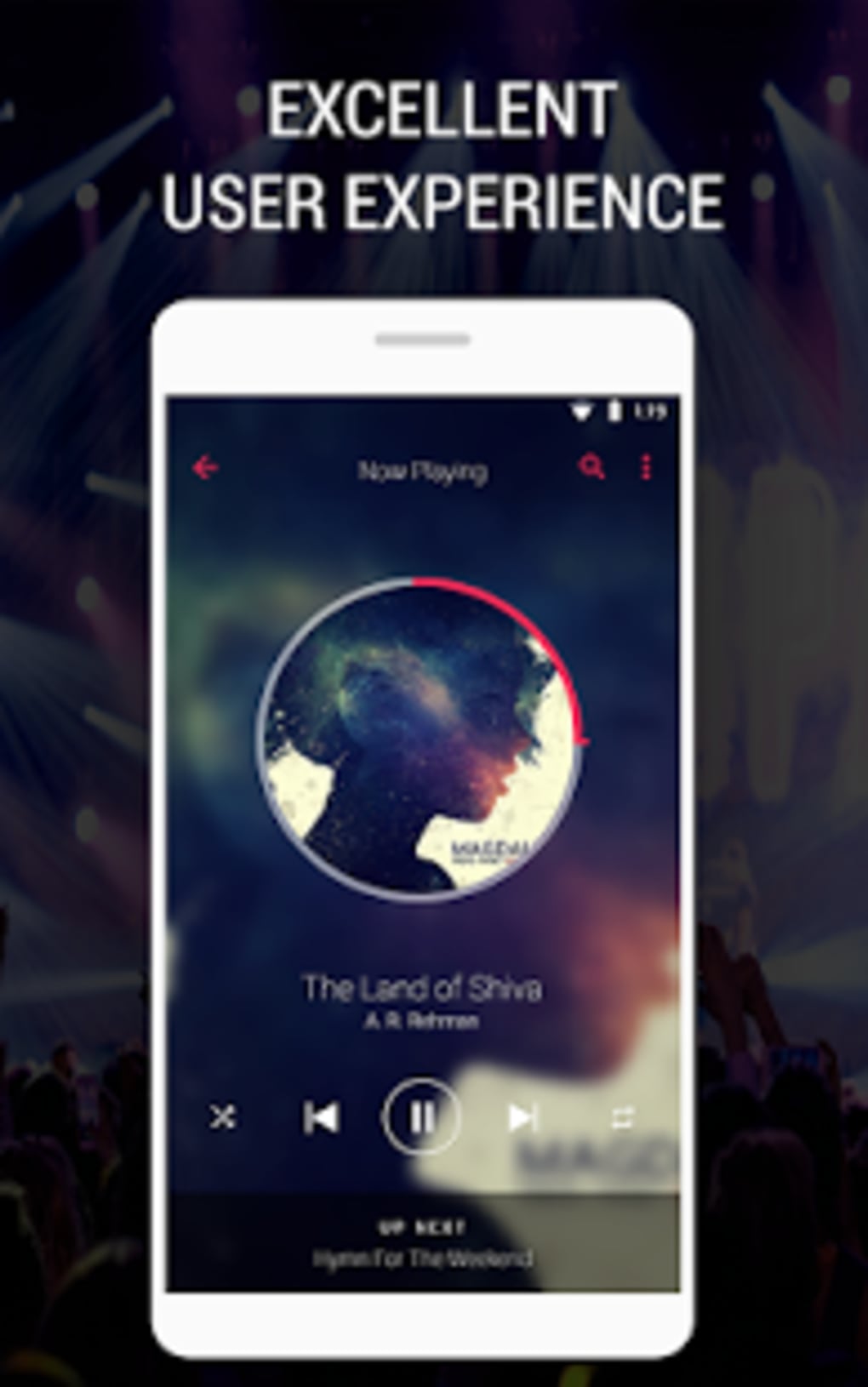
The user interface of Audio Beats is designed with simplicity and efficiency in mind. Navigation is intuitive, with clearly labeled menus and responsive controls that allow users to access their music library with minimal effort. The layout supports quick access to playback functions, playlist management, and customization settings, reducing the number of clicks needed for common tasks.
Workflow efficiency is enhanced through features like drag-and-drop playlist organization and real-time visual feedback during playback. The app responds quickly to user inputs, maintaining a smooth and responsive experience. The developer did not specify resource usage details, but general software behavior suggests optimized CPU and RAM handling, particularly given the emphasis on lightweight operation.
Stability appears to be a priority, supported by the developer’s history of regular updates and bug fixes. While exact performance metrics were not provided, the application is expected to maintain consistent performance across sessions, even when handling large music collections or background playback over extended periods.
Compatibility & System Requirements
Audio Beats is designed for desktop operating systems, with compatibility confirmed for Windows and macOS platforms. The software supports systems running from version 8.0 and up, though the exact OS versioning may vary based on the specific desktop environment. Installation size is relatively small, reflecting the app’s lightweight nature.
Exact system requirements were not listed. The developer did not provide additional system requirements. Platform compatibility information is limited to the stated operating systems. Users are advised to ensure their system meets general desktop software standards for smooth operation. No hardware-specific demands were mentioned, indicating broad accessibility across different devices.
Pros and Cons
Pros
- Supports a wide variety of audio formats without conversion
- Highly customizable interface with themes and visual personalization
- Lightweight and efficient, with minimal impact on system performance
- Free to download and use with no hidden costs
- Privacy-focused—no user data collection
- Regular updates and active developer support
Cons
- Specific system requirements not disclosed
- No information on advanced audio processing features
- Limited details on cloud or sync capabilities
- Only available for desktop, not mobile or web
- Exact file size and version details not specified
FAQ Section
Is Audio Beats available for Windows and Mac?
Yes, Audio Beats is compatible with both Windows and macOS desktop operating systems.
Is the software free to use?
Yes, Audio Beats is available at no cost. There are no in-app purchases or subscription fees.
Does the app collect user data?
No, the application is designed to be privacy-focused and does not collect or transmit user data.
How often is the software updated?
The developer regularly releases updates to add new features and fix bugs, ensuring ongoing reliability and performance.
Can I use Audio Beats offline?
Yes, the software functions fully without an internet connection, making it ideal for offline music playback.
Final Thoughts + CTA
Audio Beats stands out as a reliable, free desktop music player that balances functionality with simplicity. Its strong format support, extensive customization options, and lightweight design make it a top choice for users seeking a clean and private listening experience. The active development cycle and commitment to user privacy further reinforce its value. Whether you're managing a large music library or simply enjoying your favorite tracks, Audio Beats delivers a smooth and enjoyable workflow.
For anyone looking for a secure, customizable, and efficient music player without the bloat, this software is a compelling option. Download Audio Beats now.






.png)
